Create a Webhook Notification
08/01/2025
This section contains a short guide on how to create a Webhook notification.
Webhook notifications in PoolParty are project dependent. In order to create new ones or edit already existing notifications, you can use the Webhook node.
In your opened PoolParty project, open the Notifications Dashboard by clicking its icon in the toolbar.
Activate the Webhook node, and double click it.
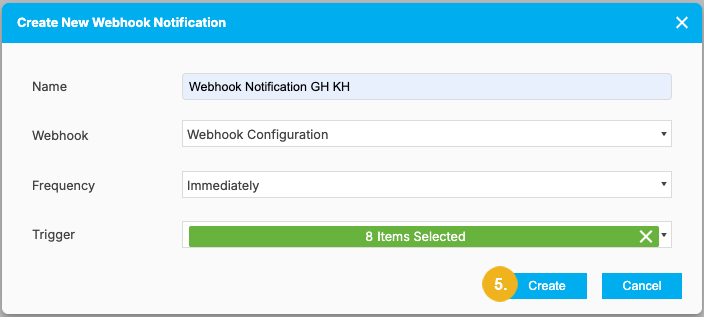
The Create New Webhook dialog opens.
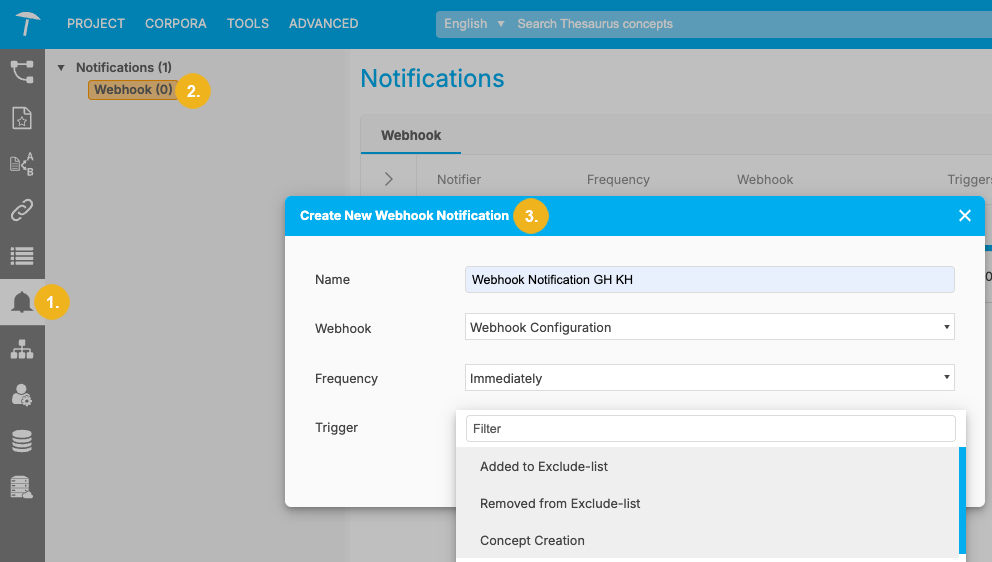
The following settings are available here:
Name: a name of your choice for that notification.
Webhook: from the drop down, select the Webhook connection to be used. At least one connection has to be configured in the Semantic Middleware Configurator.
Frequency: select from the following options: Immediately, Every 15 Minutes, Every Hour, Once Per Day.
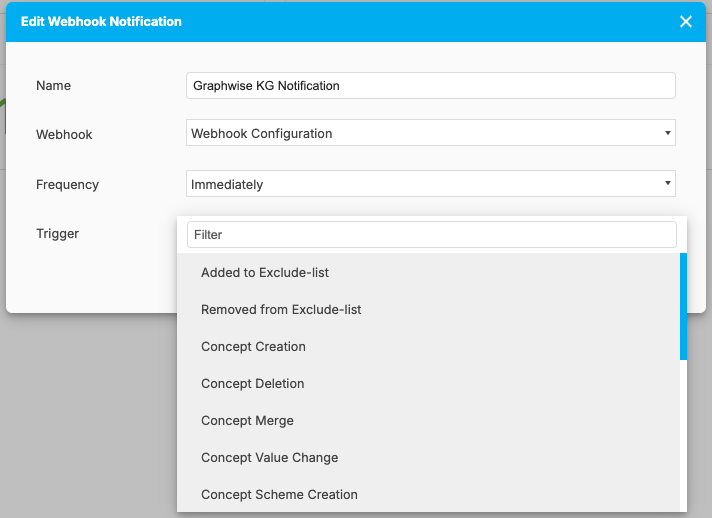
Trigger: select at least one of the change action triggers from the drop-down menu.
Click Create to save your new webhook notification.