Web Service Method: Create Project Snapshot
18/03/2026
Description |
|---|
Create a snapshot of a PoolParty project. |
Note
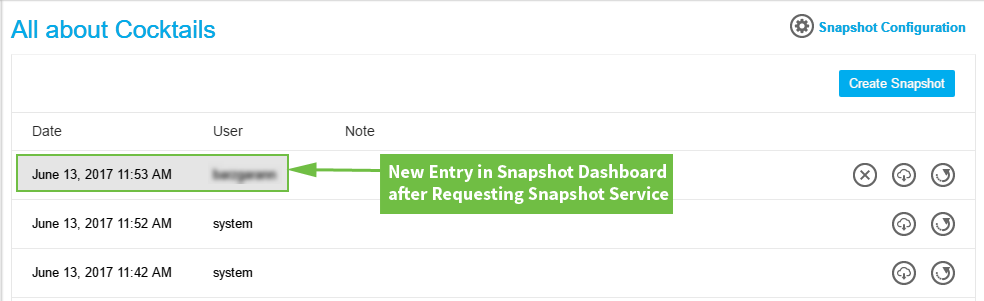
When any data of a project is changed via API, you should have a mechanism that uses the snapshot service to create a consistent version of the project. Refer to The Snapshot Dashboard for more details.
If you programmatically change the data of a project but not use the snapshot method, users that log into PoolParty will see an alert message, saying that the data in the project might be outdated or corrupt. To find out how to bring your project back to normal snapshot behavior please refer to this topic: View and Restore Project Snapshots
Best Practice
It is not necessary to use the snapshot service after every small project change.
Example: you have a script that adds multiple alternative labels to concepts in one run. In this case it does not make sense to fire a snapshot after each altLabel input. You should take a snapshot as soon as all changes have been made by the script.
URL: /PoolParty/api/projects/{project}/snapshot
Example Request
http://vocabulary.semantic-web.at/PoolParty/api/projects/1DCE0ED2-D7E8-0001-86A1-18652DF0D7A0/snapshot
Example Response
{
  success: true,
  message: "Repository snapshot successfully generated"
} |