Changing the Default Autocomplete Query
20/04/2026
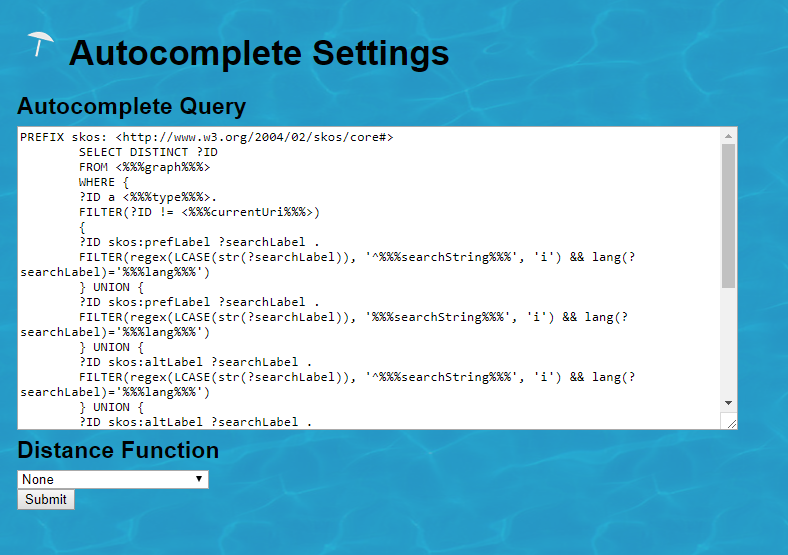
The default autocomplete query of Graph Modeling (formerly PoolParty) can be overruled by a query provided via the AutocompleteSetup.xml file.
The location of this file depends on your installation method:
Linux:
/opt/poolparty/config/Docker: Within the
poolparty_datavolume at:/var/lib/poolparty/data/Tip
If you modify the settings via the Graph Modeling UI, the file is automatically generated within the mapped
poolparty_datavolume. You can verify this by entering your container and navigating to/var/lib/poolparty/data/.
You can edit the file by accessing it from the main menu.
Expand the Tools menu, click the Admin Scripts menu entry, then click the Autocomplete Settings link.
 |
Note
If you change the file directly, you will have to restart the server or Docker container.
Changing the default autocomplete query to a query of your choice may affect performance.