PoolParty Logger Settings and Log Files
09/03/2026
Logger settings and log files in PoolParty can be accessed via the main menu. Select Admin Scripts from the TOOLS menu to open a new browser tab or window, depending on your settings.
Important
Changes made via the UI are runtime only. These settings will revert to the default configuration upon the next service restart. The last section on this page explains how to configure logger settings permanently.
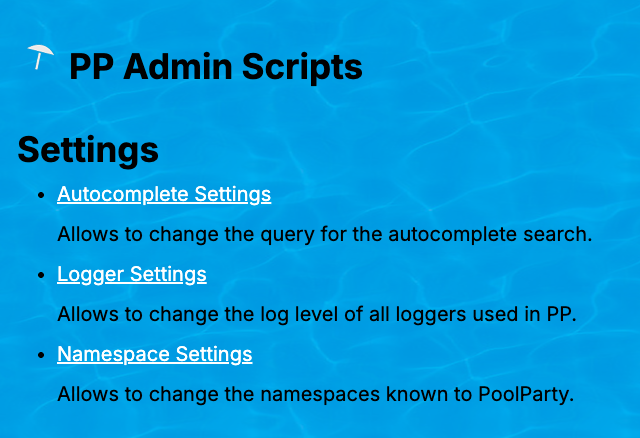
Clicking Logger Settings will navigate you to <server>/PoolParty/!/system/logging.
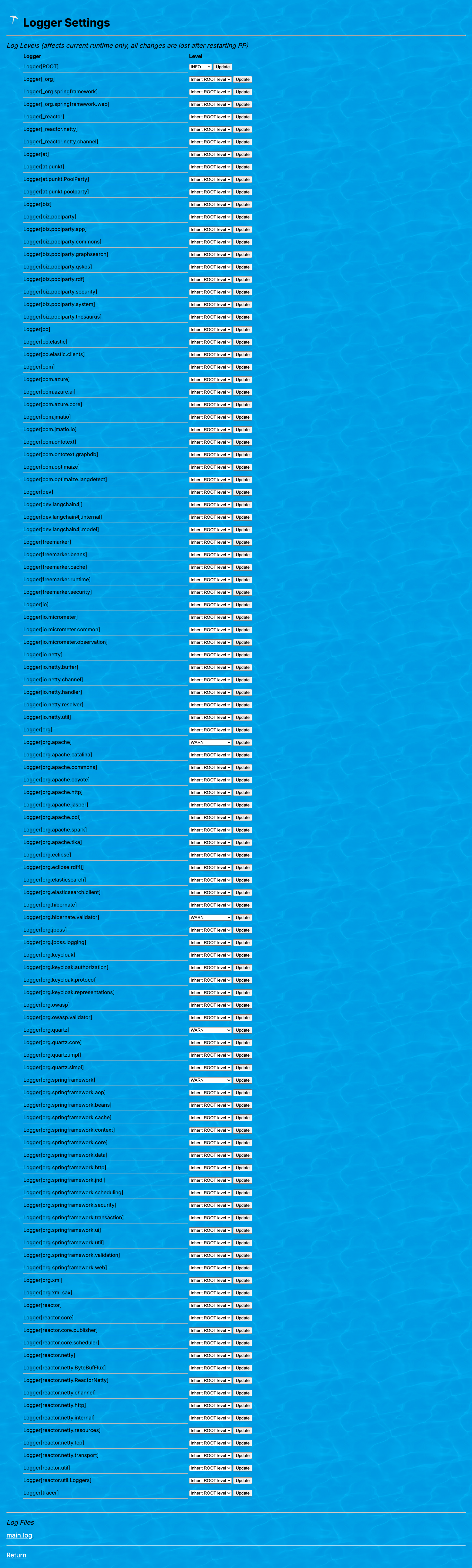
Expand the subsequent section to get an overview of all logger settings.
Note
Refer to log4j Log Levels and Their Relevance in PoolParty for more information on the individual log levels.
You can download the main.log file at the bottom of this page under the Log Files section. This file contains the aggregated logs for all PoolParty components.