Add New Concepts to a Collection
Abstract
Add new concepts to a collection
As soon as you have created one collection, you can add there concepts.
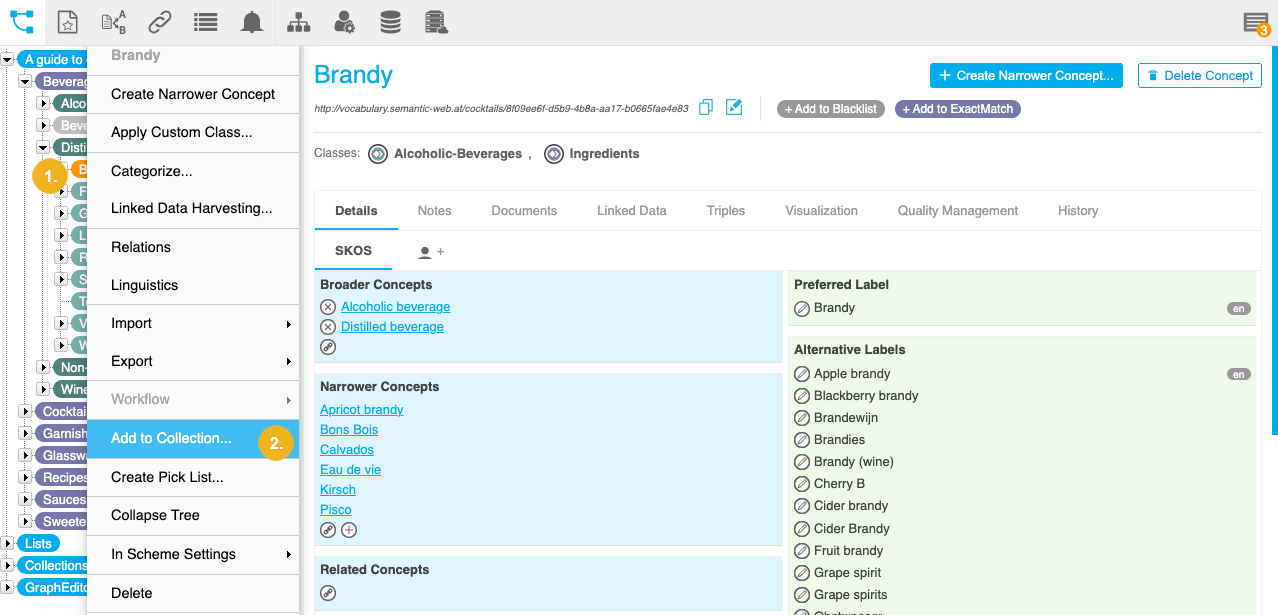
Right click the concept in the Hierarchy Tree.
Select Add to Collection.
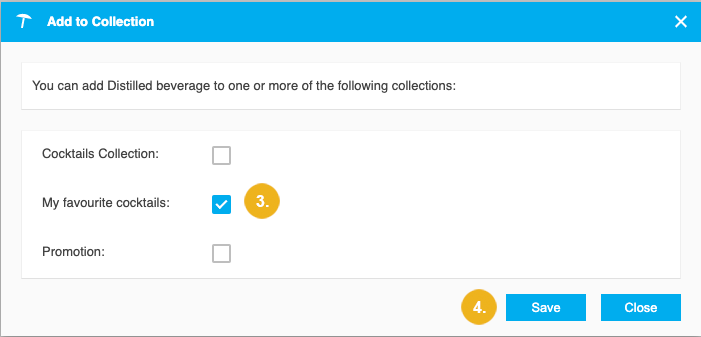
The Add to Collection dialogue box opens.
Select one or more collections.
Confirm with Save.