Use DBpedia as Corpus Document Source
Abstract
Use DBpedia as Corpus Document Source
This section contains a short guide on how to crawl DBpedia to add documents to your corpus.
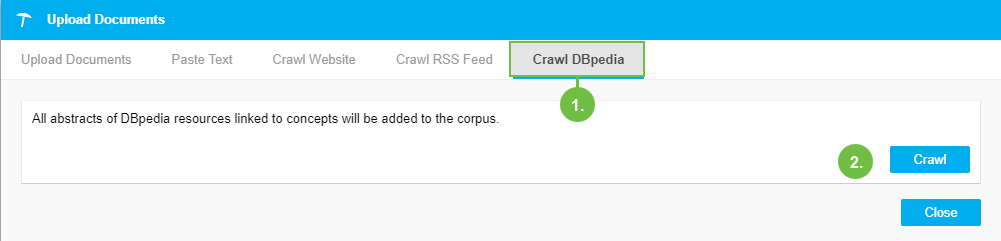
Select the Crawl DBpedia tab in the Upload Documents dialogue.
Click Crawl to start the upload process.
The abstracts from the DBpedia resources linked to the concepts in your thesaurus are grabbed and stored as files to your corpus. When the upload is finished, a message about the upload's status will be displayed.
 |
You can view all documents uploaded to your corpus in the Corpus Documents tab.