User Administration
Abstract
When you select the Users node in the Graph Modeling User Management, you can see a list of users together with their full names, roles and groups.
As a Graph Modeling SuperAdmin, you can administer other Graph Modeling users.
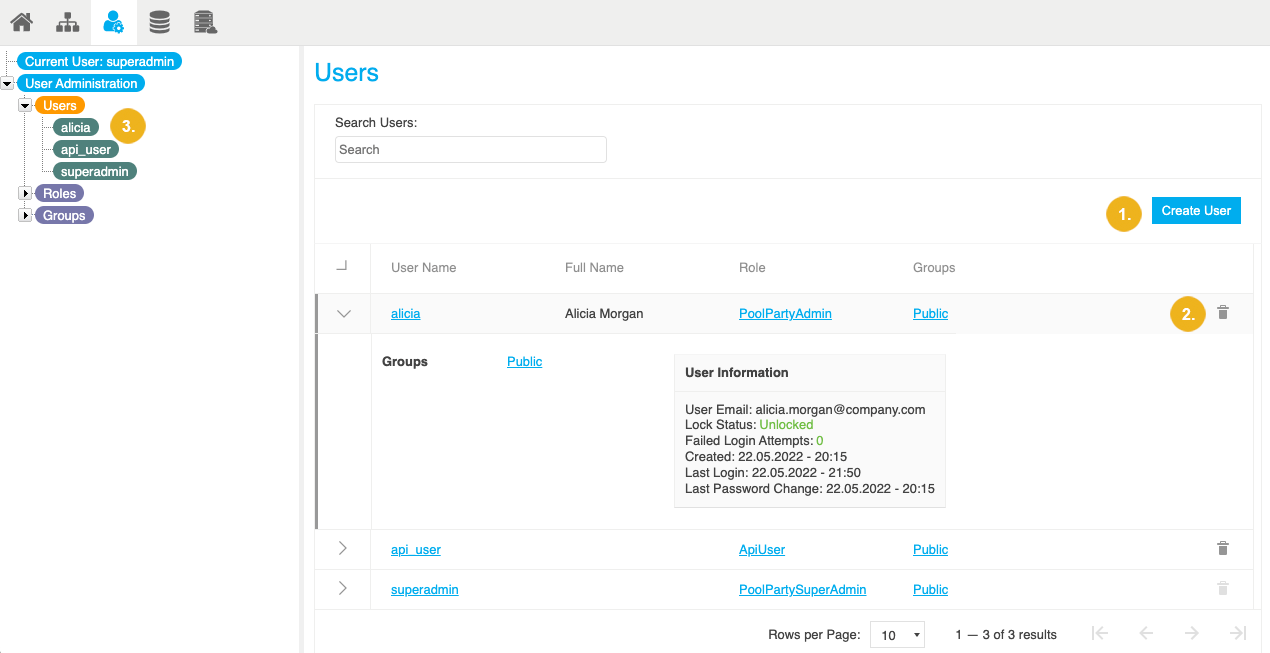
Clicking the Users node in the User Administration tree, in the Details View on the right you find a table listing all users defined on that Graph Modeling server.
From here, you can do the following:
 |