Save Export File on Server
Save Export File on Server
If you choose the Store on Server option during project export, the exported file is stored in the Graph Modeling server data directory. You can then provide it for download or to dynamically include it in your Linked Data Frontend.
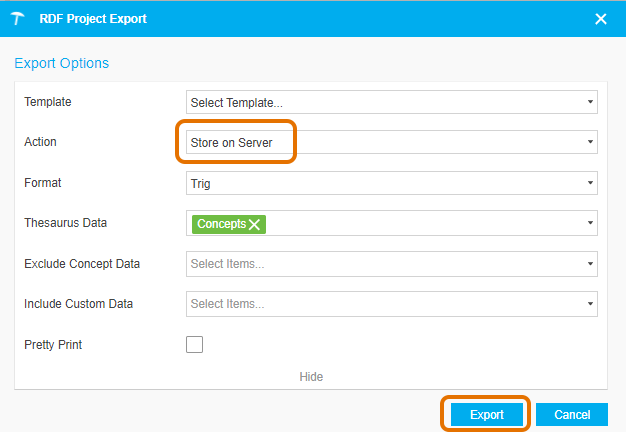
Select the Store on Server option and then click Export. A message will be displayed, stating that the project has been successfully exported and providing a download link for the file.
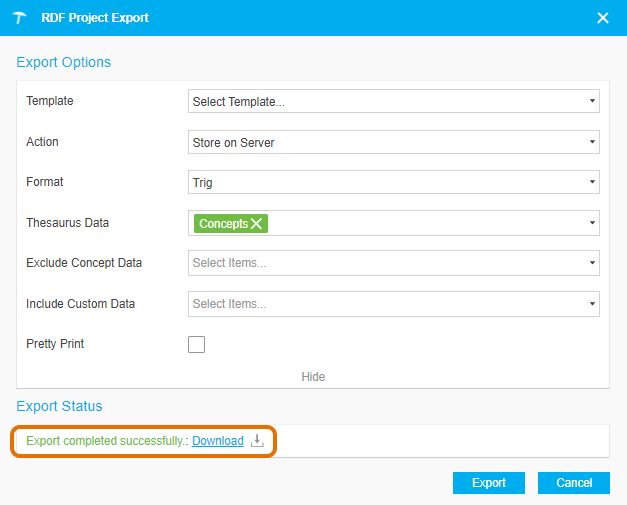
The file pattern for the download link as follows:
http://<server-url>/<project-ID>/export/
For example, for our Social Semantic Web Thesaurus (https://vocabulary-semantic-web.at/semweb)http://vocabulary.semantic-web.at/semweb/export/semweb.rdf offers the RDF/XML export of the project http://vocabulary.semantic-web.at/semweb/export/semweb.trig the TriG export.
Note
Find more information on how to make files available and how to include them in the Linked Data Frontend refer to this chapter.