Open the User Management in Graph Modeling
Use the icon in the toolbar to open the User Management.
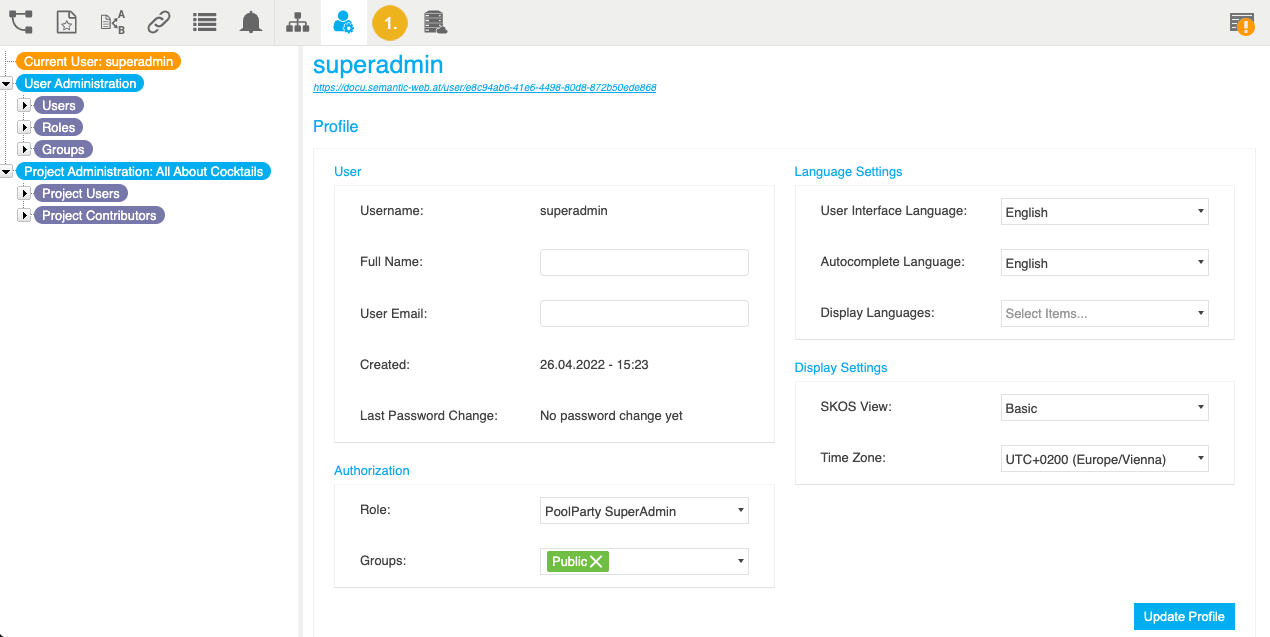
The node of the current user is active per default. You can find their Profile on the right.
Use the icon in the toolbar to open the User Management.
|
The node of the current user is active per default. You can find their Profile on the right.