Enabling Recent Login Activity
14/07/2026
Keycloak administrators can enable login event tracking to be visualized on the Graph Modeling's User Management tab (1). Once configured, this Recent Login Events section (2) displays a chronological list of user login details, including Time, IP Address, and Application.
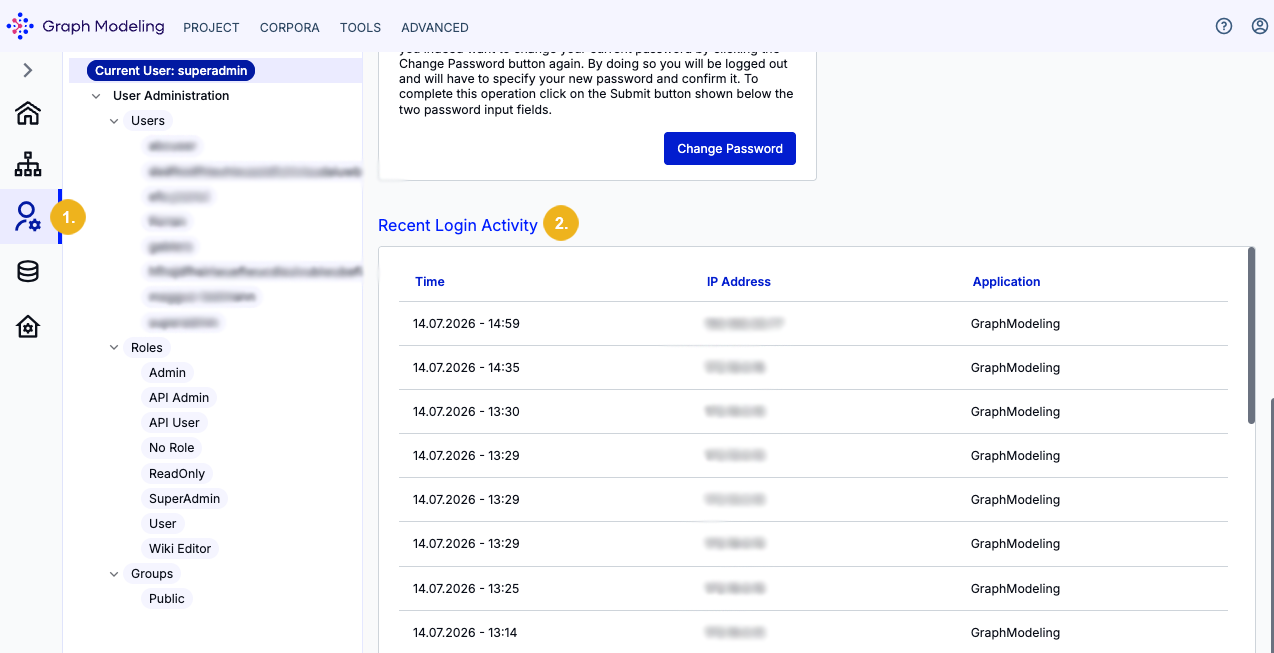
Enabling login event tracking increases visibility into unauthorized account access. If user credentials are compromised, an attacker can authenticate from an external device and perform any actions permitted by that account's permissions, such as viewing or modifying user information and profile settings. Enabling this feature provides the audit trail necessary to detect and investigate anomalous login activity.
Login to your Keycloak instance and navigate to Realm Settings.
Go to Events.
Open the User events settings sub-tab.
Set Save events to
True.Define an Expiration duration (e.g.,
7 days).
Keycloak will now retain login history for the specified timeframe, allowing Graph Modeling to display this data under User Management.