Concept Property Details
21/07/2026
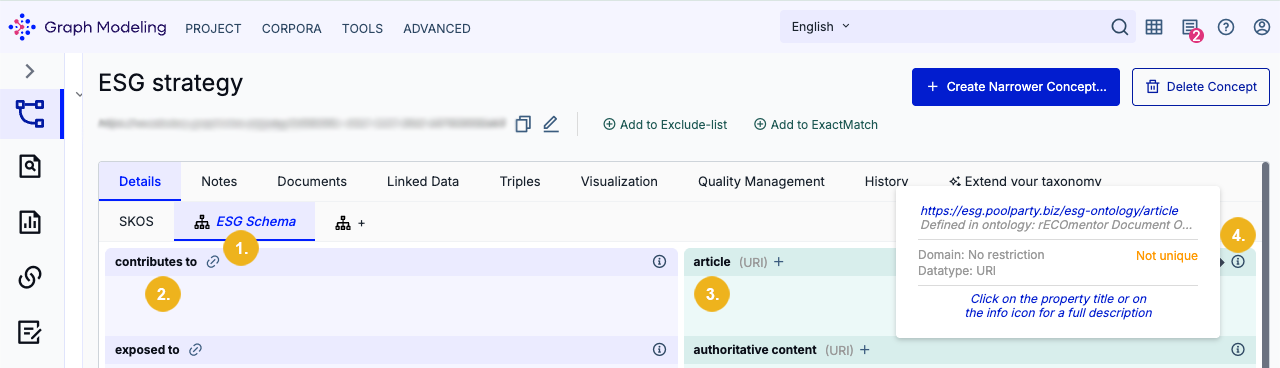
You can get the ontology related information of an element such as an attribute by opening the Property Details dialogue box by clicking on the property title. For example, the image below shows some properties found in a custom ESG Schema (1), such as contributes to (2) and article (3). Hover over the info icon (4) to display basic information regarding a property. Click on any property title to open a dialog containing all information on this property.
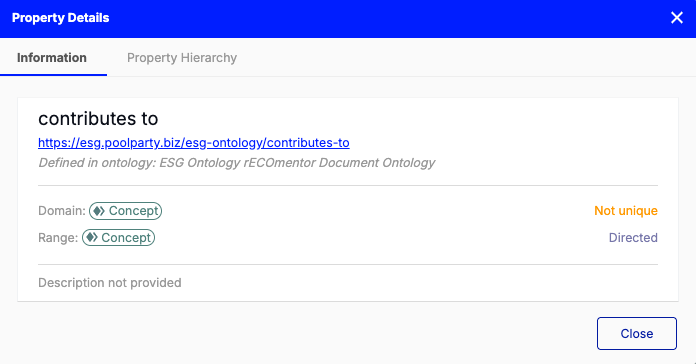
On the Information tab, you can find information on the name of the relation or attribute, URI, the name of the custom Ontology, if it is Unique or not, the Domain, and Range, the name of the inverse relation and the description.
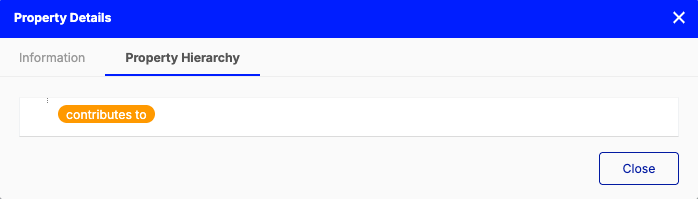
On the Property Hierarchy tab you can see the hierarchy of this relation.