Downloading a Project
20/11/2026
You can download your project to archive or to share.
To download a project:
Open your project.
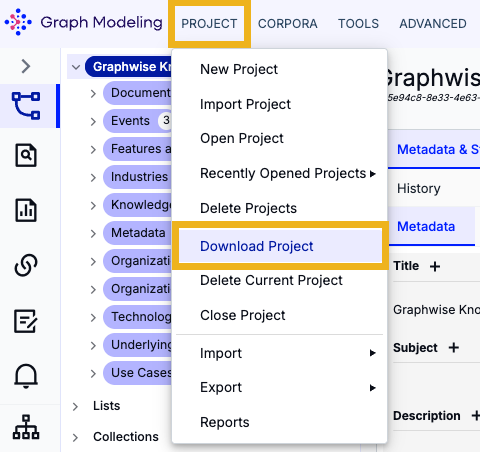
Go to the Projects menu and select Download Project from the drop-down.
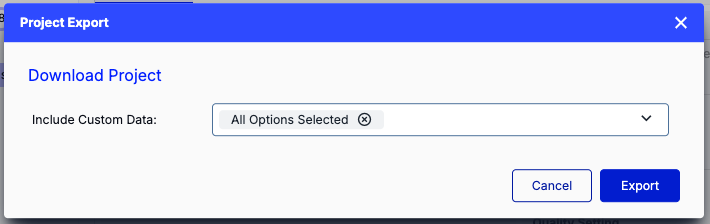
To download your full project you can keep the default All Options Selected option in the Include Custom Data field.
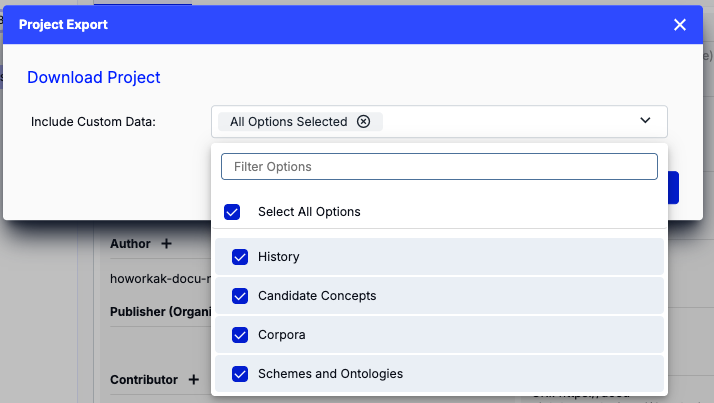
Alternatively, you can select individual options from the drop-down menu.
Select Export to download your project as a
.pparfile.